OpenAI (Generic) LLM
Caution!
This is a developer-focused llm provider - you should not use it unless you know what you are doing.
The Generic OpenAI wrapper is an easy way to interact with any LLM provider that we do not explicitly integrate with and is OpenAi-compatible in both API functionality and inference response.
You should only use this provider if you know the LLM provider you wish it interact with is OpenAI compatible and you understand what each input is for.
Connecting to OpenAI (Generic)
Use with Caution
Generic OpenAI is a highly configurable and as such may not function as intended if you input any configuration setting incorrectly.
You can update your configuration at any time in the Settings.
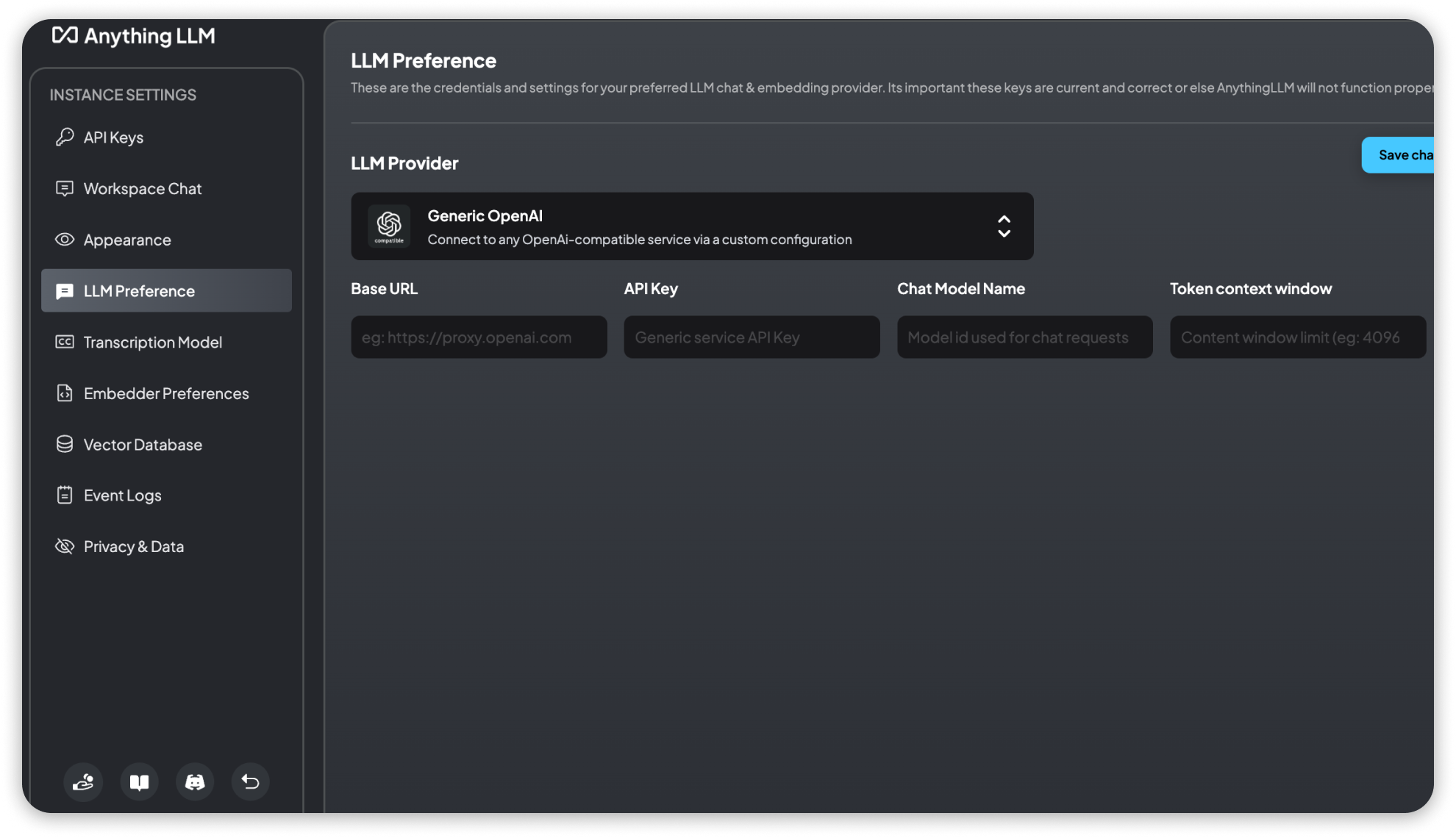
Context window and output tokens
Model context window and Max Tokens control different limits:
| Setting | Environment variable | Purpose |
|---|---|---|
| Model context window | GENERIC_OPEN_AI_MODEL_TOKEN_LIMIT | The context budget AnythingLLM uses when building the prompt and chat history. Set it to your model's real context size; a larger value does not expand the model. |
| Max Tokens | GENERIC_OPEN_AI_MAX_TOKENS | The output-token limit sent with each chat and agent request. Defaults to 1024. |
Setting Max Tokens to 0 omits the output-token limit from the request
entirely, so the provider's own default applies. It does not disable
generation or cap cost; input tokens and other provider charges still apply.
Choosing the output-token parameter
Generic OpenAI sends the output limit as max_tokens by default. If your
provider rejects max_tokens and requires a different field, such as
max_completion_tokens, set GENERIC_OPEN_AI_MODEL_MAX_TOKEN_KEY in your server
environment and restart AnythingLLM:
GENERIC_OPEN_AI_MODEL_MAX_TOKEN_KEY="max_completion_tokens"This only renames the request field; the value still comes from Max Tokens.
Leave it unset when your provider accepts max_tokens.
Checking a new connection
- Set Base URL to the provider's API root, for example
https://llm.example.com/v1, rather than the full/chat/completionsURL. - Use the exact model ID that endpoint serves.
- Test with a short prompt in an empty workspace before trying document chat or agents.
- If chat works but streaming does not, see Disable Streaming for Generic OpenAI.