Keyboard Shortcuts
AnythingLLM has a set of built-in keyboard shortcuts for jumping straight to the pages you use most.
Press F1 at any time to see the full list for your build.
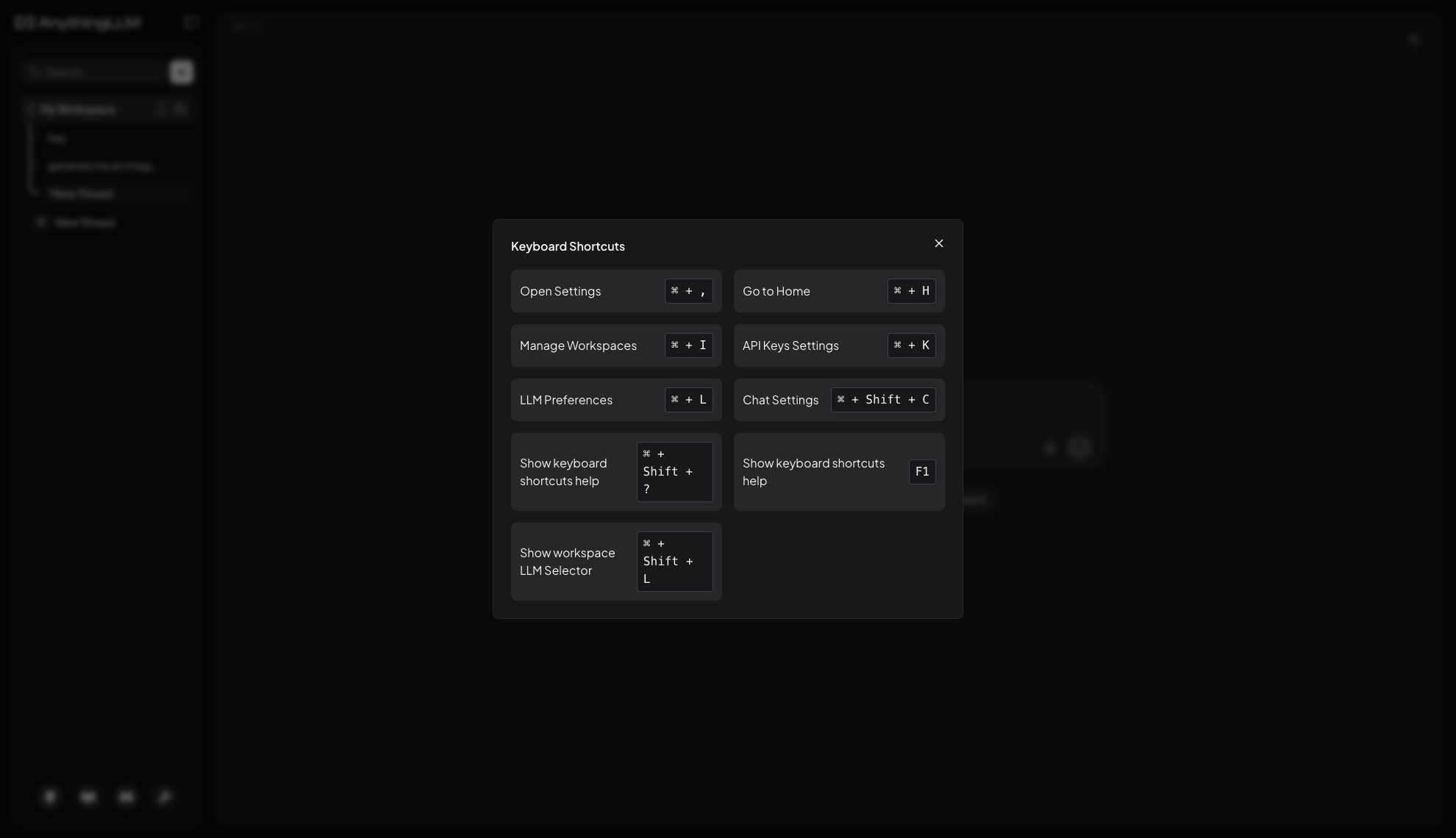
Available shortcuts
| Action | macOS | Windows & Linux |
|---|---|---|
| Open Settings | ⌘ + , | Ctrl + , |
| Go to Home | ⌘ + H | Ctrl + H |
| Manage Workspaces | ⌘ + I | Ctrl + I |
| API Keys settings | ⌘ + K | Ctrl + K |
| LLM Preferences | ⌘ + L | Ctrl + L |
| Chat settings | ⌘ + Shift + C | Ctrl + Shift + C |
| Show the workspace LLM selector | ⌘ + Shift + L | Ctrl + Shift + L |
| Show this shortcut list | ⌘ + Shift + ? | Ctrl + Shift + ? |
| Show this shortcut list | F1 | F1 |
️💡
AnythingLLM Desktop ships a slightly different set of shortcuts to the browser-based version. Press F1 or ⌘ + Shift + ? inside the app you are using to see the list that applies to it.
Who can use them
In a single-user instance, shortcuts are always active.
In multi-user mode they are only available to admin accounts. Several of them open instance-wide settings pages that other roles cannot access, so they are not registered for manager or default users at all.