Branding & Whitelabeling
️💡
DOCKER VERSION ONLY!
Branding & Whitelabeling is currently available in the Docker version of AnythingLLM.
Admins and managers can brand an AnythingLLM instance for everyone who uses it. Open Settings → Customization → Branding & Whitelabeling. Settings are grouped into tabs:
| Tab | What you can change |
|---|---|
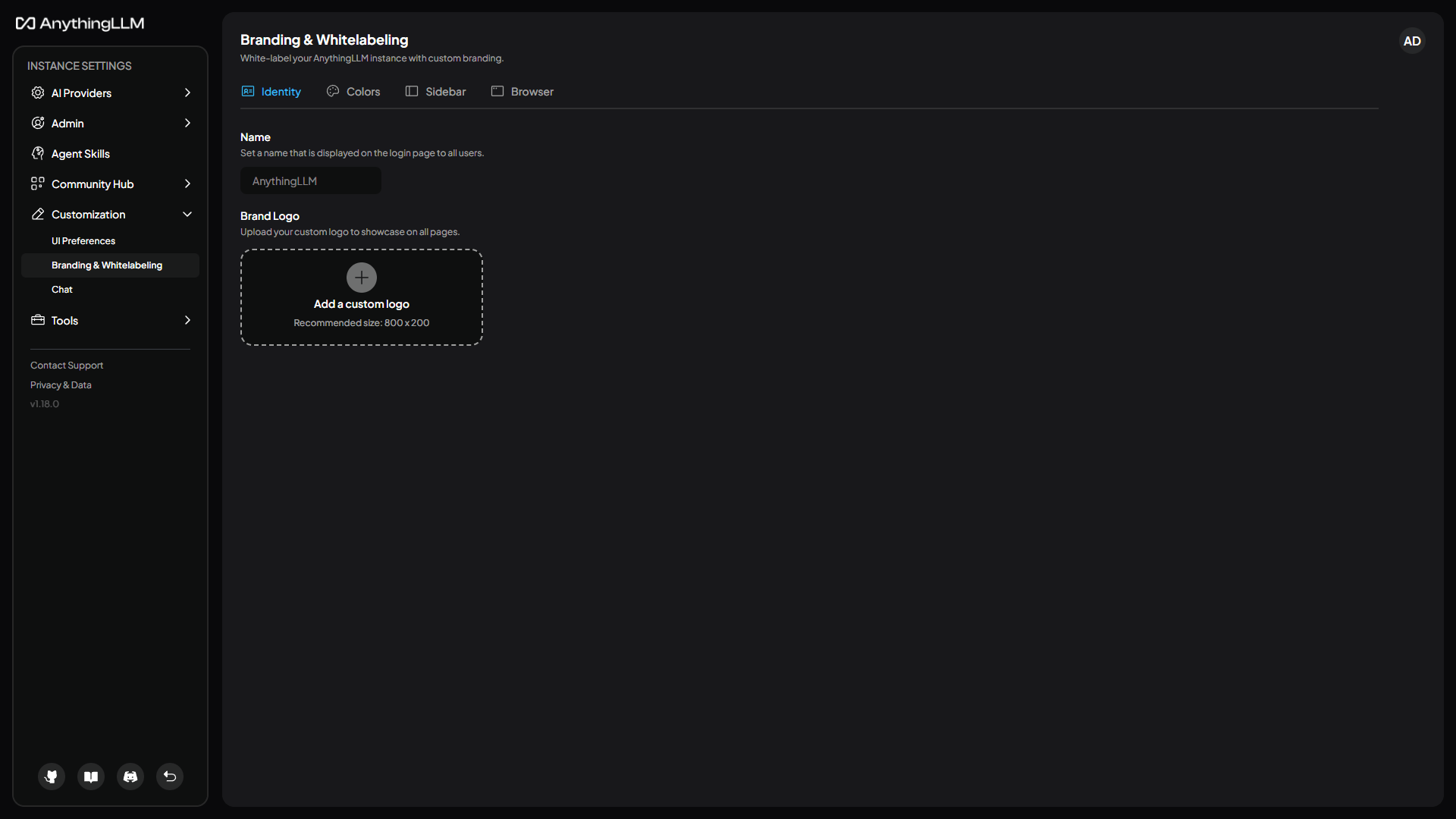
| Identity | The app name shown on the login page, and your logo |
| Colors | The color palette for the instance |
| Sidebar | The footer links and icons, and the support email |
| Browser | The browser tab title and favicon |
Colors
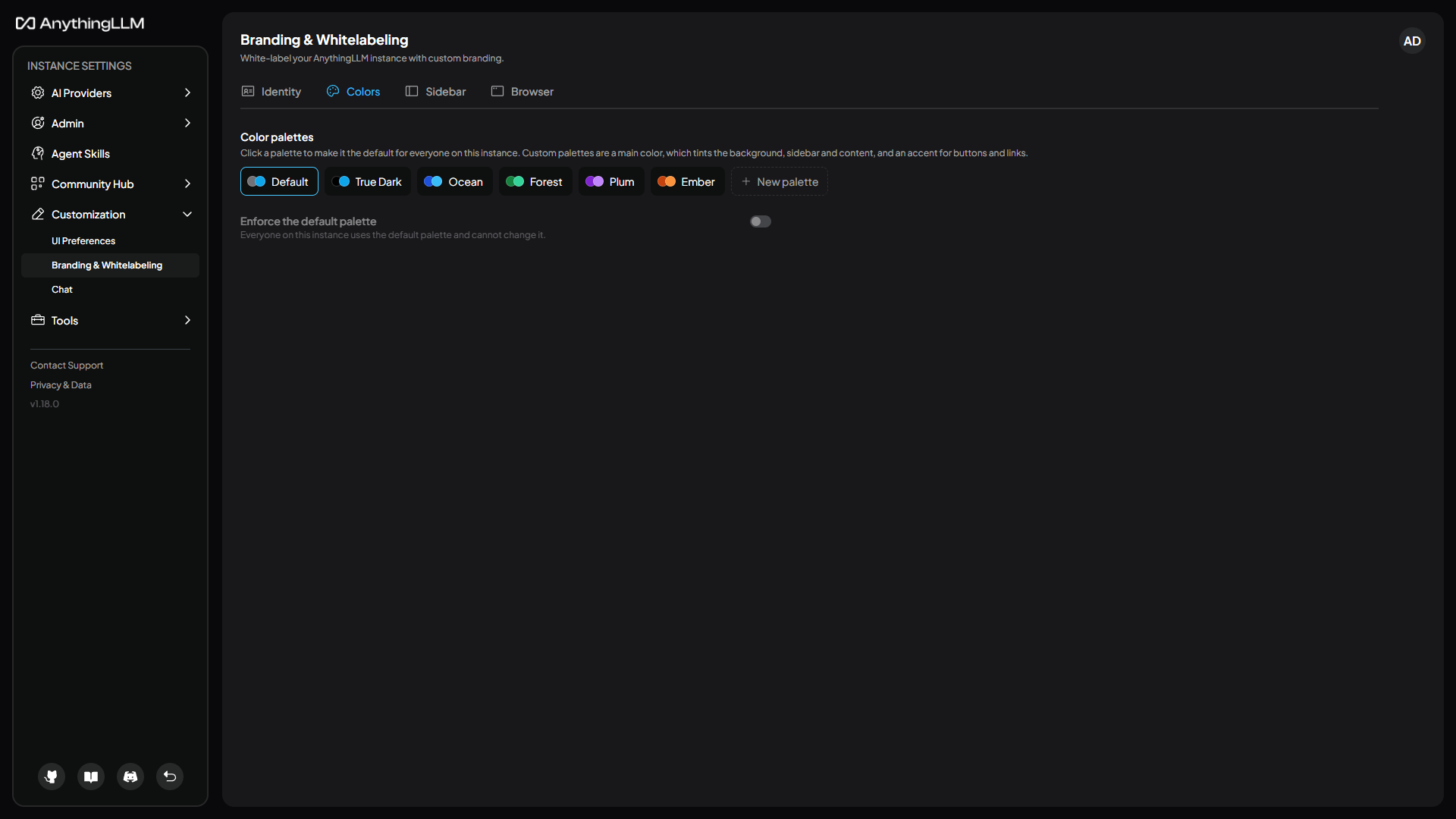
Click a palette to make it the default for everyone. Changes save as soon as you make them.
- Built-in palettes include True Dark, which uses pure black backgrounds.
- New palette lets you create your own from two colors: a main color, which tints the background, sidebar and content, and an accent for buttons and links. Each palette works in both light and dark mode.
- Enforce the default palette makes everyone use the default palette. When it's off, users can pick their own palette under UI Preferences or in their account settings.